Position
In the position section, you can create the positions that agents can use so that, when a ticket is assigned, users know which position they should go to in order to be assisted.
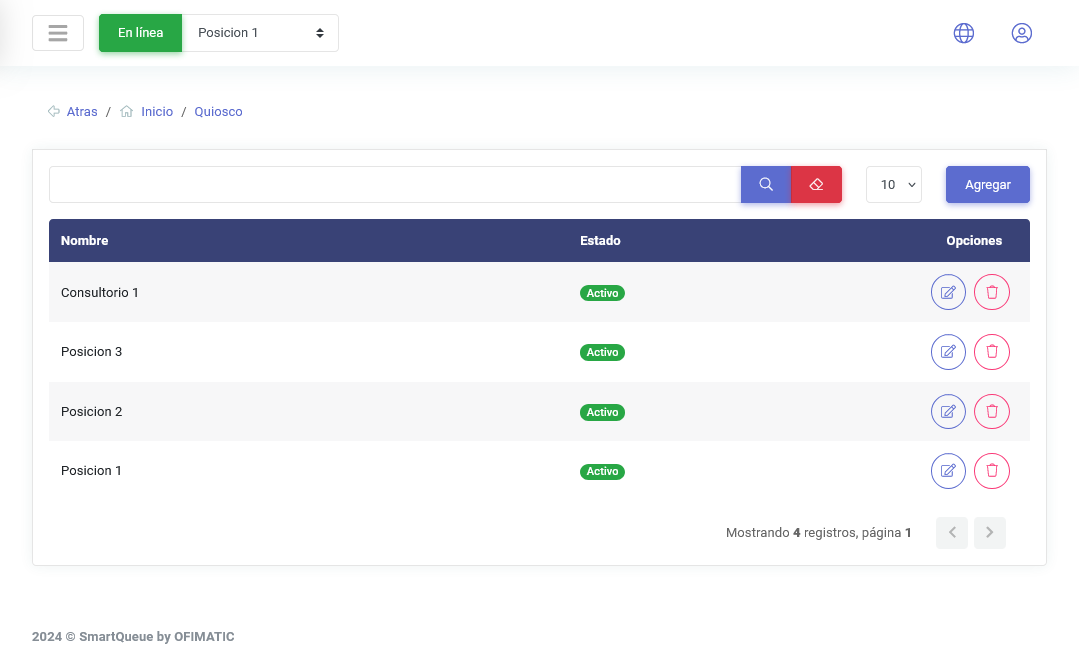
The table displays the following:
| Column | Description |
|---|---|
| Name | displays the name of the created position. |
| Status | displays the position status, indicating whether it is active or inactive. |
| Options | displays the available options for the position, such as edit or delete. |
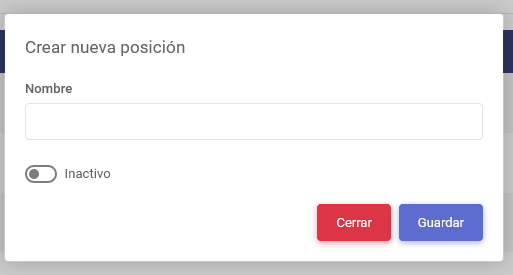
To create a position, click the Add button. The following view will then be displayed: