Branches
The branches section is used to assign departments and organize tickets based on existing branches.
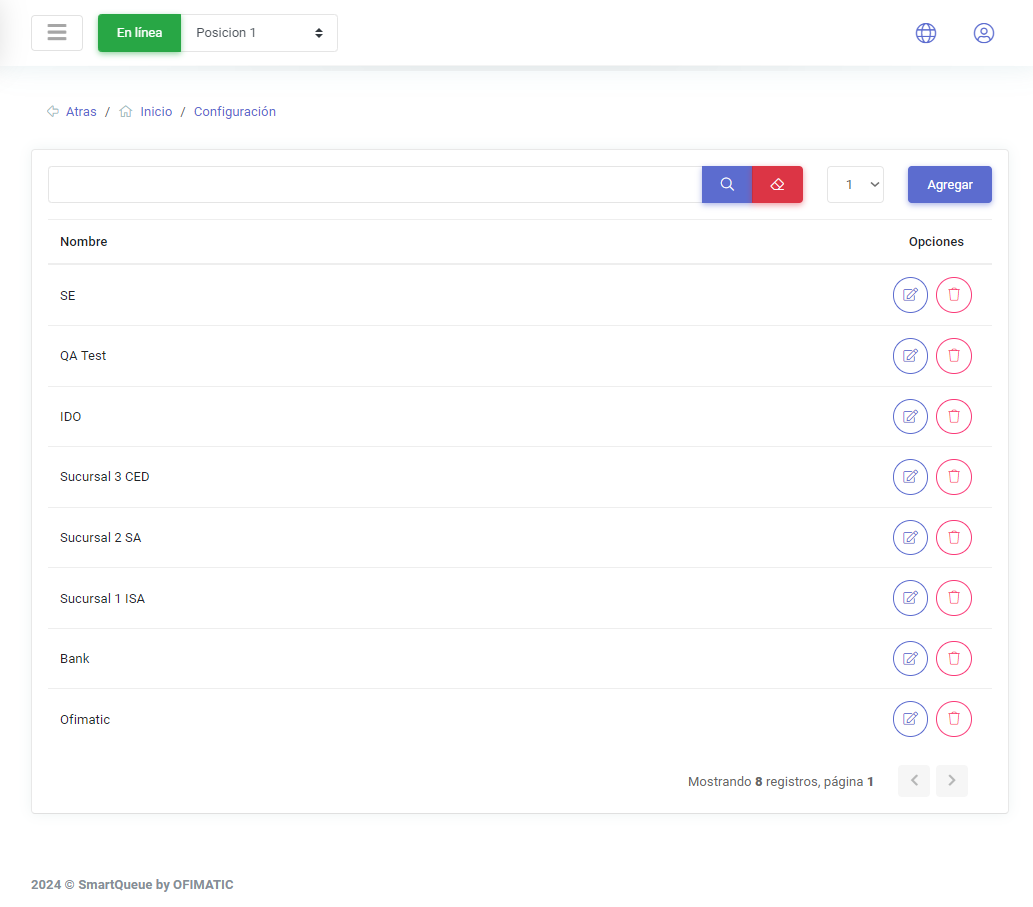
Create and update branches
Create branch
To create a branch, click the options button. A dialog box will then open.
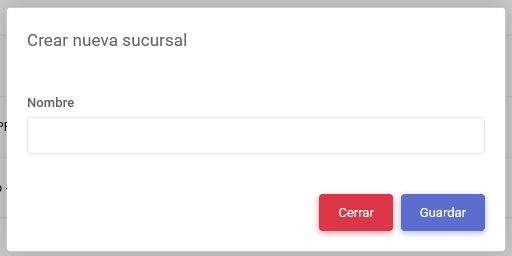
In this view, you can add the branch name. This information is enough to create a branch.
Update branch
To update a branch, click the button located in the options column.